ParcelVision
How to Find Property Lines Online for Free
Your county almost certainly has a free GIS map or parcel viewer online. Just Google "[your county] GIS map" or "[your county] parcel viewer" and you'll get a map showing property boundaries, lot sizes, and owner info. It won't replace a survey, but it's the fastest way to see where your lines are without spending a dime.
Maybe you're eyeing a piece of land, or you just want to know exactly where your yard ends and your neighbor's begins. Either way, you don't need to drop $500 on a surveyor to get a general picture of your property boundaries. There are free tools that can show you a surprising amount of information — you just need to know where to look.
County GIS Maps and Parcel Viewers
This is your best bet, hands down. Almost every county in the US runs a public GIS (Geographic Information System) website that overlays parcel boundaries on aerial photos. You can see lot lines, ownership info, acreage, assessed values, and more — all for free.
Finding yours is simple. Open Google and type your county name plus "GIS map" or "parcel viewer." So, "Buncombe County GIS map" or "Travis County parcel viewer." The county's site is almost always the first result.
Once you're in, here's how to get the most out of it:
- Search by address or owner name. There's usually a search bar right at the top. Plug in a street address or someone's name and it'll jump straight to that parcel.
- Zoom in to the boundary lines. Parcel lines show up as colored outlines on top of satellite imagery. Get in close enough and you can compare the lines against real-world features — your fence, your driveway, that big oak tree.
- Click on the parcel for the details. Clicking a lot usually pops up a sidebar or window with the owner's name, parcel number, lot size, legal description, and tax info.
- Measure stuff. Most GIS viewers have a measurement tool tucked away somewhere. Use it to estimate distances between a structure and the boundary, or measure the width of your lot along a specific side.
- Play with the layers. Look for a layer control panel — it lets you toggle different data sets on and off. You might find flood zone maps, zoning districts, topographic contours, easements, and different years of aerial photos.
State GIS Portals
A few states have built portals that stitch together parcel data from every county into one big map. Montana's Cadastral system and Wisconsin's statewide parcel map are two solid examples. These are handy if you're looking at properties in multiple counties or if your county's individual site is lackluster.
Quality varies a lot, though. Some state portals have full boundary data with detailed info. Others give you the bare minimum — just owner names and parcel numbers. Check your state's Department of Revenue or GIS office to see what's available.
USGS Maps and Topographic Data
The USGS offers free topographic maps through its topoView tool and the National Map website. Fair warning: these won't show your individual lot lines. But they're fantastic for understanding terrain, elevation, waterways, and the section lines used in the Public Land Survey System (PLSS).
That PLSS piece matters if you own rural land. If your deed describes your property using section, township, and range references, a USGS topo map helps you see the general area. You'll still need your county's parcel map — or a survey — to see your specific lot, but the topo map gives you the big picture.
Google Earth for Visual Context
Google Earth doesn't show property lines on its own, but it's a great sidekick for your boundary research. The satellite imagery is high-resolution, and the built-in measurement tool lets you estimate distances and areas.
Here's a useful trick: some county GIS sites let you download parcel boundary data as KML files. Import one of those into Google Earth and you'll see your property lines draped over 3D satellite imagery and terrain. It's a great way to understand how your boundaries relate to hills, creeks, and other natural features that don't show up well on a flat map.
Limitations of Free Online Tools
I don't want to oversell these tools. They're genuinely useful, but they have real limitations you should know about:
- They're not survey-grade accurate. GIS data comes from deed records and tax maps, not field measurements. The lines on your screen could be off by several feet — sometimes more — depending on how old or well-maintained the data is.
- The aerial imagery doesn't always line up. The parcel lines and the satellite photos come from different sources, so they don't always match perfectly. A boundary that looks like it cuts across your driveway on screen might actually run along the edge of it in real life.
- They're not legal documents. You can't use a GIS screenshot in court, at a closing, or on a permit application. Those situations require a professional survey.
- The data might be stale. Counties update at different speeds. A recent property split, lot line adjustment, or new survey might not show up for months.
- Rural counties can be spotty. Smaller, more rural counties sometimes have bare-bones GIS systems — fewer layers, older imagery, less detail overall.
When Free Tools Are Enough
For plenty of everyday situations, free tools give you everything you need:
- Getting a rough sense of where your property ends
- Scouting a property online before driving out to see it
- Checking lot size and how a parcel is laid out
- Figuring out who owns the land next to yours
- Seeing how your lot sits relative to roads, creeks, or neighboring parcels
When You Need More Than Free Tools
If precision matters, free tools aren't going to cut it. You'll need a professional survey when you're:
- Putting up a fence, shed, or any structure near the property line
- In a boundary dispute with your neighbor
- Buying or selling property and the lender or title company wants a survey
- Subdividing your land or adjusting lot lines
- Pulling building permits that require survey documentation
A licensed surveyor will physically measure the property, find the original boundary markers, and hand you a legally binding document. It's a different animal from what you'll get online — and for these situations, there's no substitute.
Go Beyond the Flat Map
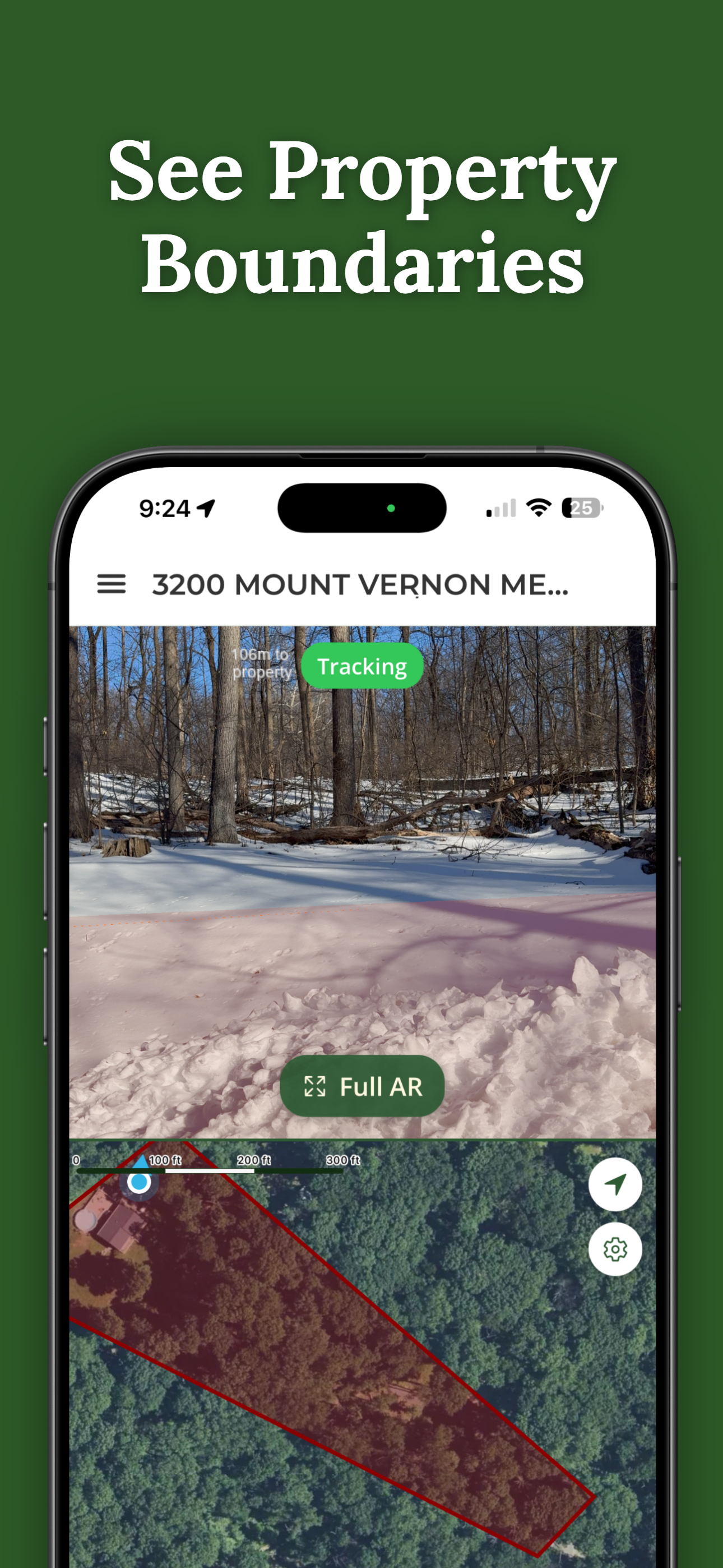
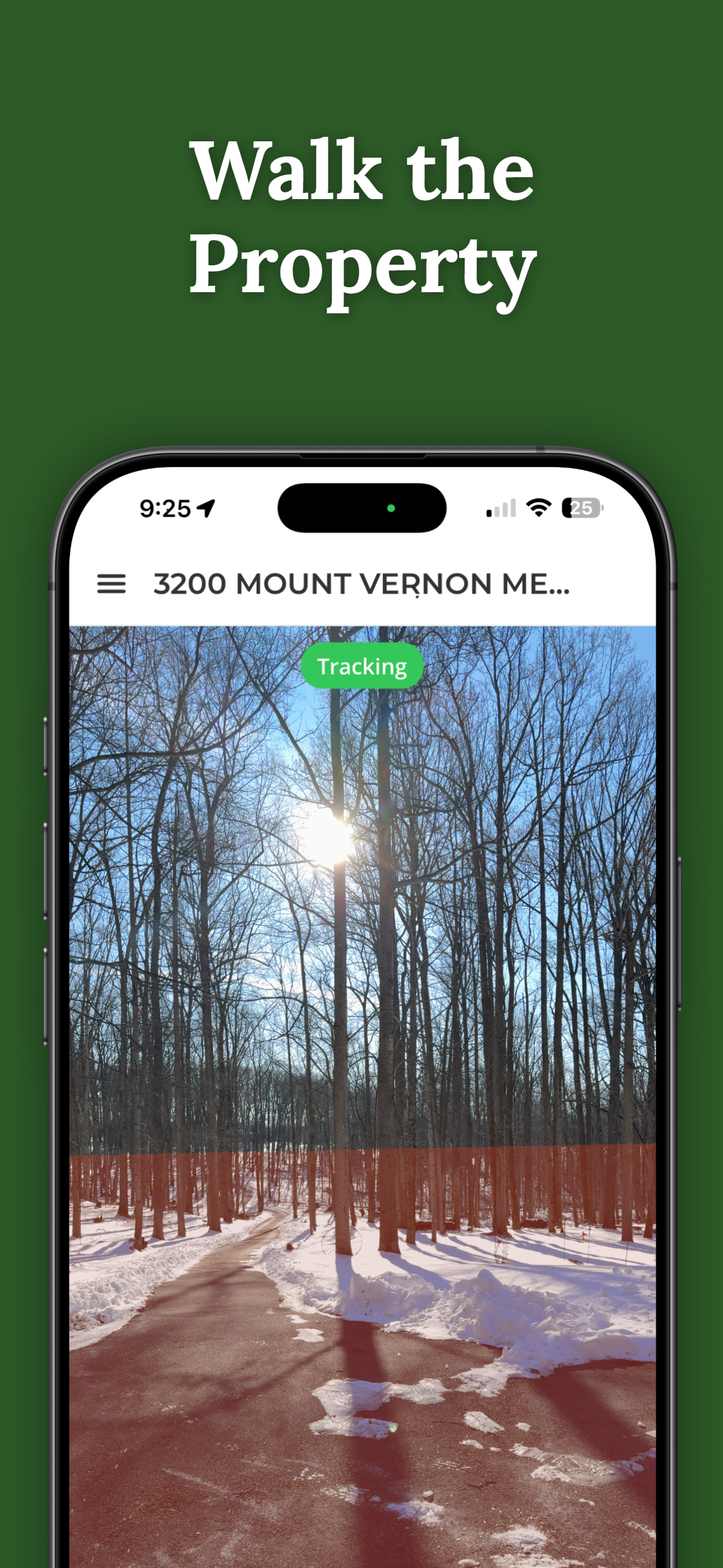
ParcelVision lets you see property boundaries in augmented reality on your iPhone. Instead of squinting at lines on a screen, you can stand in your yard and see your boundary lines overlaid on the real world in front of you. It bridges the gap between what you see on a GIS map and what you see with your own eyes.
Download ParcelVisionThis article is for informational purposes only and isn't legal advice. Online property line tools show approximate boundaries and shouldn't be used as a substitute for a professional land survey.