ParcelVision
How Accurate Are Property Line Apps?
Honest answer: most property line apps are accurate to within about 3 to 15 feet. That's close enough to walk your boundaries, plan yard projects, and spot obvious encroachments — but not close enough for legal disputes or building a fence right on the line. The accuracy depends on your phone's GPS and the quality of your county's parcel data.
You downloaded a property line app, pointed your phone at the yard, and now you're looking at a line that says your neighbor's shed is two feet onto your property. But can you trust that line? The short answer is: kind of. The longer answer involves GPS limitations, county data quality, and knowing when "close enough" actually is close enough. Here's the no-BS breakdown.
How Property Line Apps Work
Every property line app does basically the same thing: it takes your phone's GPS location and layers it on top of parcel boundary data from your county assessor or GIS office. The app grabs the parcel data for your area, figures out where you're standing via GPS, and draws boundary lines on a map — or in some cases, right onto your phone's camera view using augmented reality.
The accuracy you get is only as good as those two ingredients. If the county data is solid but your GPS is off by 10 feet, the lines will appear 10 feet from where they should be. And if your GPS nails it but the parcel data was digitized from some dusty plat book in the 1990s, the lines still won't match reality. You need both components to be accurate for the app to give you a reliable picture.
Factors That Affect Accuracy
A few different things determine how close an app will get to the truth at any given moment:
GPS Quality
Your phone's GPS — the consumer-grade kind — is typically accurate to about 10 to 16 feet under good conditions. Newer phones with dual-frequency GPS chips do better, sometimes landing within 3 to 5 feet. But GPS accuracy tanks in certain situations:
- Under tree cover: Dense foliage blocks and weakens GPS signals. This is a real problem when you're checking boundaries in wooded areas — which is exactly where a lot of property lines run.
- Next to tall buildings: Buildings reflect GPS signals, creating errors called multipath interference. Your phone thinks a satellite is in one place when the signal actually bounced off a wall.
- In valleys or canyons: If terrain is blocking a chunk of the sky, your phone can't talk to enough satellites to get a precise fix.
- Bad weather or solar activity: Modern GPS handles atmospheric conditions pretty well, but very heavy cloud cover or unusual solar activity can still shave off a bit of accuracy.
Parcel Data Source and Quality
The boundary lines your app displays come straight from county government records. And the quality of those records? It varies wildly. Some counties have invested in high-quality, recently updated GIS systems with survey-grade data. Others are still running on parcel maps digitized from paper records decades ago, and the conversion introduced errors that nobody's gone back to fix.
You'll sometimes see boundaries that don't line up with satellite imagery, gaps between parcels that shouldn't exist, or data that doesn't reflect recent subdivisions. These aren't app bugs — they're problems in the source data. Every app pulling from the same county database will show the same issues.
Map Projection and Coordinate Systems
Here's a nerdy one. Translating real-world property boundaries onto a flat digital map requires mathematical projections, and different methods introduce slightly different positional shifts. When parcel data created in one coordinate system gets displayed in another, boundaries can appear to shift by a few feet. It's subtle, but it's a real contributor to the accuracy gap.
Consumer GPS vs. Survey-Grade GPS
To really understand why apps can't match a surveyor, look at the equipment gap. A licensed surveyor uses GPS receivers that cost tens of thousands of dollars. These use techniques like Real-Time Kinematic (RTK) positioning that can nail a location down to fractions of an inch.
Your phone? It's remarkable for getting you to the right restaurant. But the gap between 3-to-15-foot accuracy and sub-inch accuracy is enormous. It's the difference between "that's roughly where your property ends" and "this is the legally binding boundary, accurate to the quarter inch." Both are useful. They're just useful for completely different things.
When App Accuracy Is Good Enough
Here's the thing — 3 to 15 feet of accuracy is genuinely useful for a lot of everyday situations. You don't always need sub-inch precision. An app works great when you want to:
- Understand your property's general footprint. Just bought a place? Open the app and get a quick visual of where your land starts and stops. You'll learn more in 10 minutes of walking than you would staring at the legal description on your deed.
- Walk your property lines. There's real value in physically walking your approximate boundary — especially if you own rural land. You notice things on foot that you'd never catch on a map.
- Plan yard projects. Planting trees, building a raised garden bed, laying out a patio — a few feet of margin is fine for this kind of planning.
- Spot obvious encroachments. If the app shows your neighbor's fence 15 feet into your property, that's a red flag worth investigating further — even though the exact measurement isn't survey-grade.
- Evaluate a property before buying. Walking a lot with a property line app gives you a feel for the land's size and shape that no listing photo will ever provide.
When You Need a Professional Survey
There are times when "pretty close" isn't going to cut it. Call a surveyor when you're:
- Building anything near the property line. Fences, sheds, additions, retaining walls — if it's going near the boundary, you need to know the boundary exactly. Setback violations are expensive to fix after the fact.
- In a boundary dispute. Courts don't accept app screenshots as evidence. A licensed surveyor's findings carry legal weight. An app's display doesn't.
- Subdividing or selling land. Splitting a parcel or establishing new lot lines requires a formal survey. There's no shortcut here.
- Closing on a mortgage. Lenders and title companies often require a current survey before they'll close. You won't be able to sub in an app for this.
- Establishing an easement. Easement documentation needs precise boundary and location data — the kind only a professional survey provides.
Tips for Getting Better Accuracy from Apps
If you're going to rely on a property line app, these tips will help you squeeze the best possible accuracy out of it:
- Get outside with a clear view of the sky. GPS accuracy lives and dies by satellite visibility. An open field beats a tree-lined yard every time.
- Give the GPS a moment to settle. Your phone's first GPS fix is usually the roughest. Stand still for 30 seconds or so and let the position stabilize before you trust what you're seeing.
- Check on different days. Satellite positions shift throughout the day and from day to day. Using the app multiple times gives you a better picture of where the true boundary sits — if the lines are in the same spot every time, you can be more confident.
- Cross-reference what you see. Compare the app's lines with your deed description, county GIS maps, and any physical markers like iron pins or survey stakes. When multiple sources agree, you're probably in good shape.
- Account for your environment. Standing under heavy tree cover or next to a large building? Your GPS accuracy is probably worse than normal. Factor that in.
- Treat it as a starting point. Think of property line apps as a scouting tool. They show you the general picture and help you decide if something deserves a closer — and more expensive — look from a surveyor.
Visualize Your Property Lines with AR
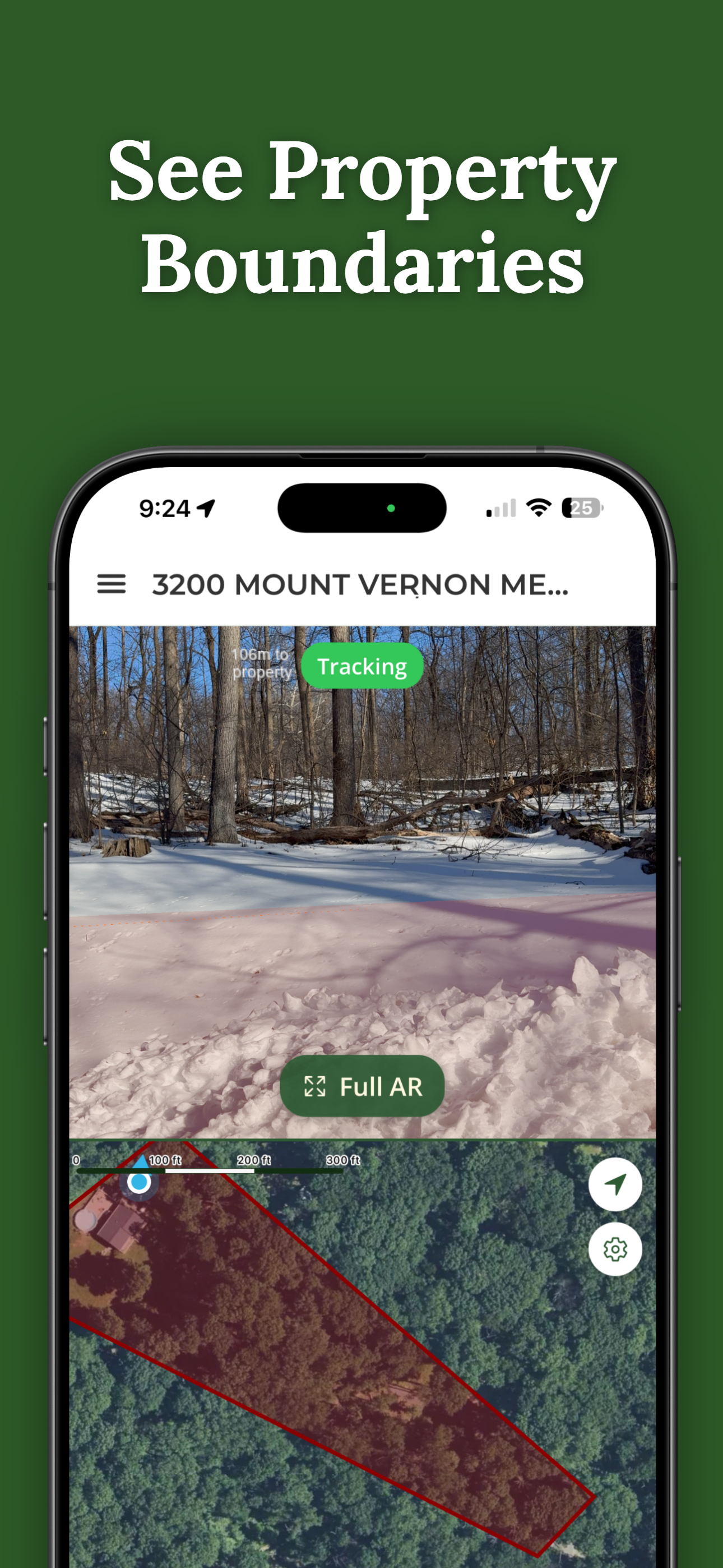
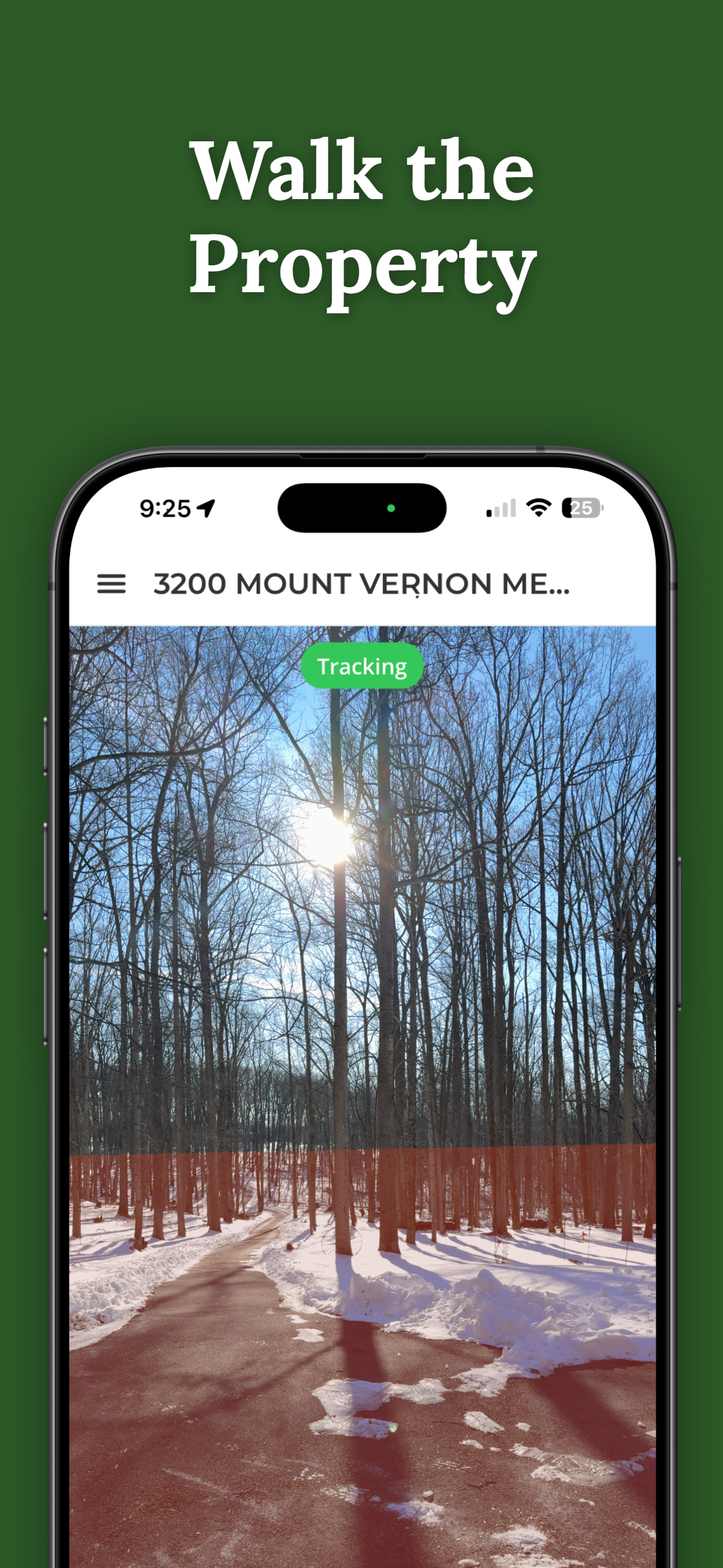
ParcelVision layers county parcel data onto your phone's camera view using augmented reality. Walk your boundaries, get a feel for your land, and figure out when it's time to call a surveyor for the final word.
Download ParcelVisionThis article is for informational purposes only. Property line apps — including ParcelVision — provide boundary visualization for reference and don't replace a professional land survey. For legal boundary determinations, always consult a licensed surveyor.